SSD vs HDD: Which Storage Is Right for You?
By DL Computers & Electronics · 01 May 2026

If your computer feels slow to start up or takes a while to open programs, the drive inside it is often the reason -- and upgrading from a hard disk drive (HDD) to a solid state drive (SSD) is one of the most noticeable improvements you can make.
How they're different
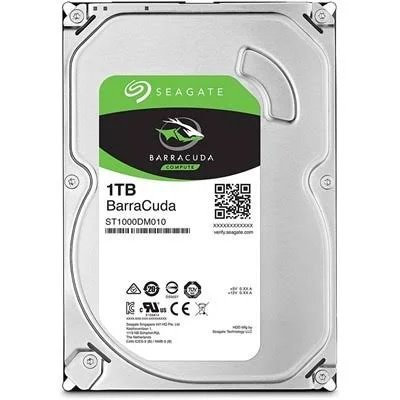
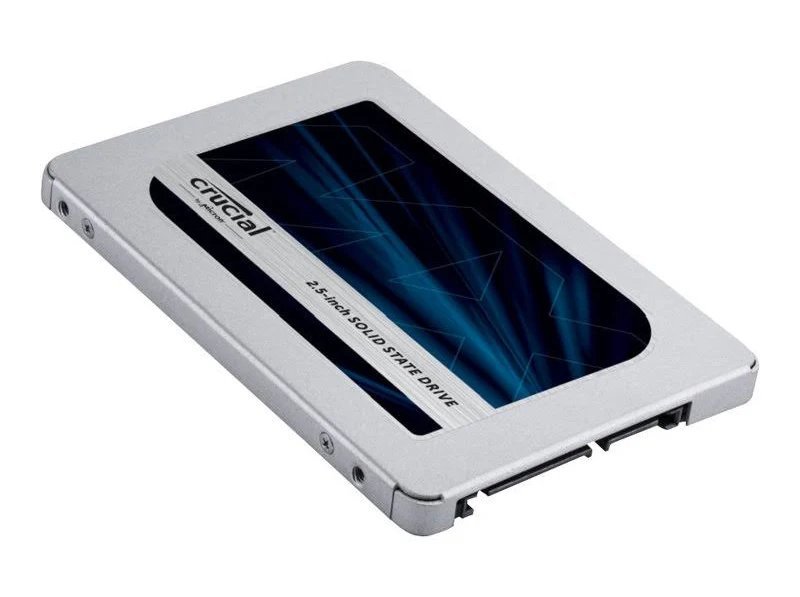
An HDD stores data on a spinning magnetic disk and reads it with a moving arm, similar in principle to an old record player. An SSD has no moving parts -- it stores data on flash memory chips, the same underlying technology used in pendrives, just faster and more sophisticated.
Speed
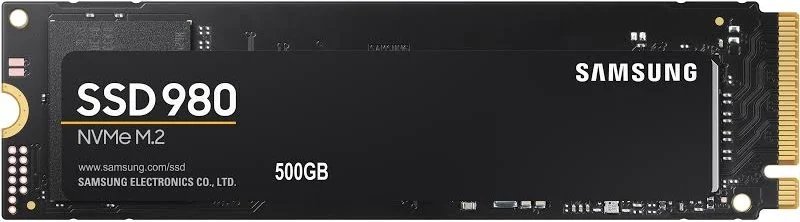
This is where SSDs pull ahead by a wide margin. A typical SATA SSD can boot Windows and open applications several times faster than a comparable HDD. NVMe SSDs, which connect via a faster interface, are quicker still. If your priority is a computer that feels instantly responsive, an SSD is the better choice.
Capacity and price per GB
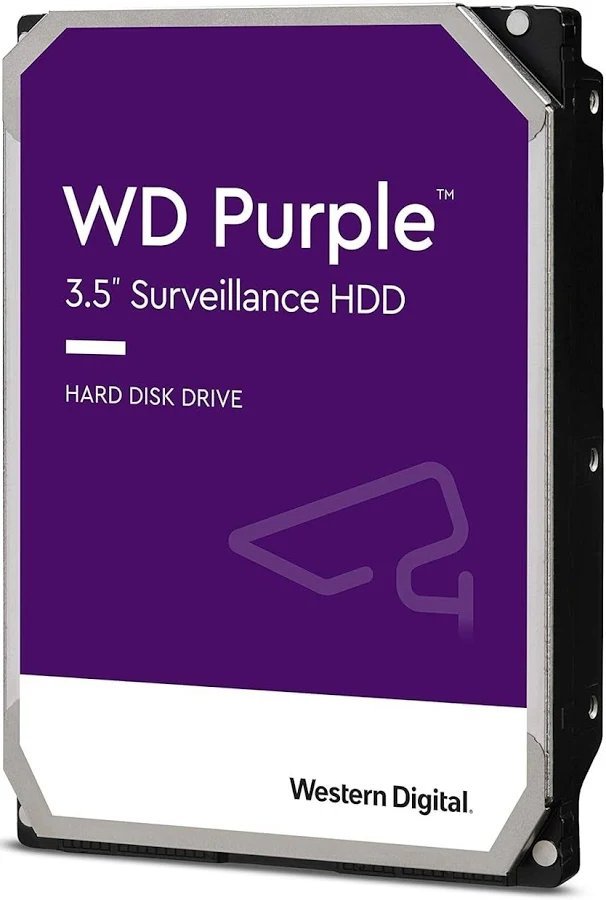
HDDs remain the more economical option for large amounts of storage -- bulk photo/video archives, CCTV recording or backups where speed matters less than capacity. This is exactly why we recommend WD Purple surveillance-rated HDDs for DVR/NVR storage rather than SSDs.
Reliability and use case
SSDs have no moving parts, so they tend to handle bumps and vibration better -- a good fit for laptops. HDDs are well proven for always-on, high-write workloads like continuous CCTV recording, where surveillance-rated drives such as WD Purple are specifically engineered for that duty cycle.
Our recommendation
For your main "C: drive" -- Windows, applications, everyday use -- an SSD is worth the upgrade. For bulk storage, backups or CCTV recording, an HDD (ideally a surveillance-rated one for DVR/NVR use) is the more cost-effective choice. Many customers use both: an SSD for the operating system and an HDD for storage.
Bring your laptop or desktop model details to our Guntur showroom, or send us a WhatsApp message, and we'll recommend the right capacity and drive for your budget.